CLASSIC TEAM SITE TO COMMUNICATION SITE IN SHAREPOINT
Requirements and Effects of changing from Classic Team site to Modern Communication site in Sharepoint
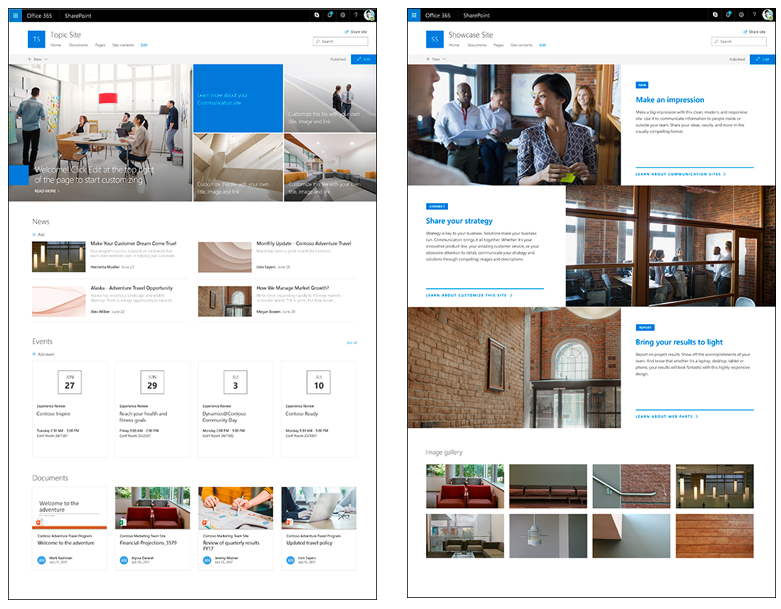
RUN THE POWERSHELL CMDLET Connect-SPOService -Url $AdminCenterURL -Credential (Get-Credential) Enable-SPOCommSite -SiteUrl 'URL of target site' Boom your're all set up REQUIREMENTS The site must be a classic team site that's not connected to a Microsoft 365 group (the STS #0 site template). The site must be the top-level site in the site collection. It can't be a subsite. The user who runs the PowerShell cmdlet must have full owner permission on the target site. The site must not have SharePoint Server Publishing Infrastructure enabled at the site collection level or SharePoint Server Publi...
Canonical URL: https://khangkhuiphungdhar.vercel.app/read/classic-team-site-to-communication-site-in-sharepoint